The Qobuz that Claude Code Built
A self-hosted hi-res music manager — 6,980 lines of Python, 408 KB of vanilla JS, zero frameworks, and one patient AI. What it does and how it's built.
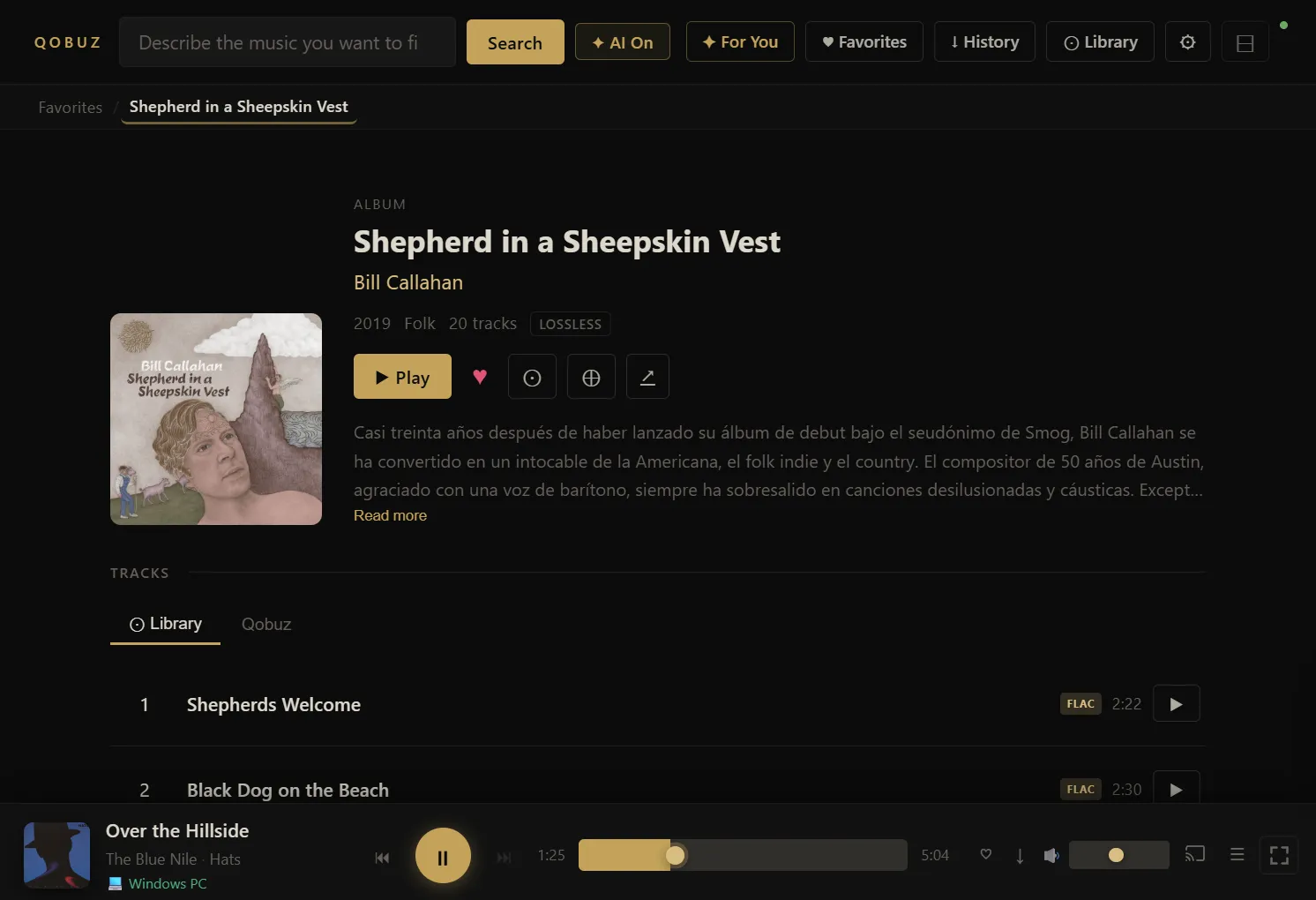
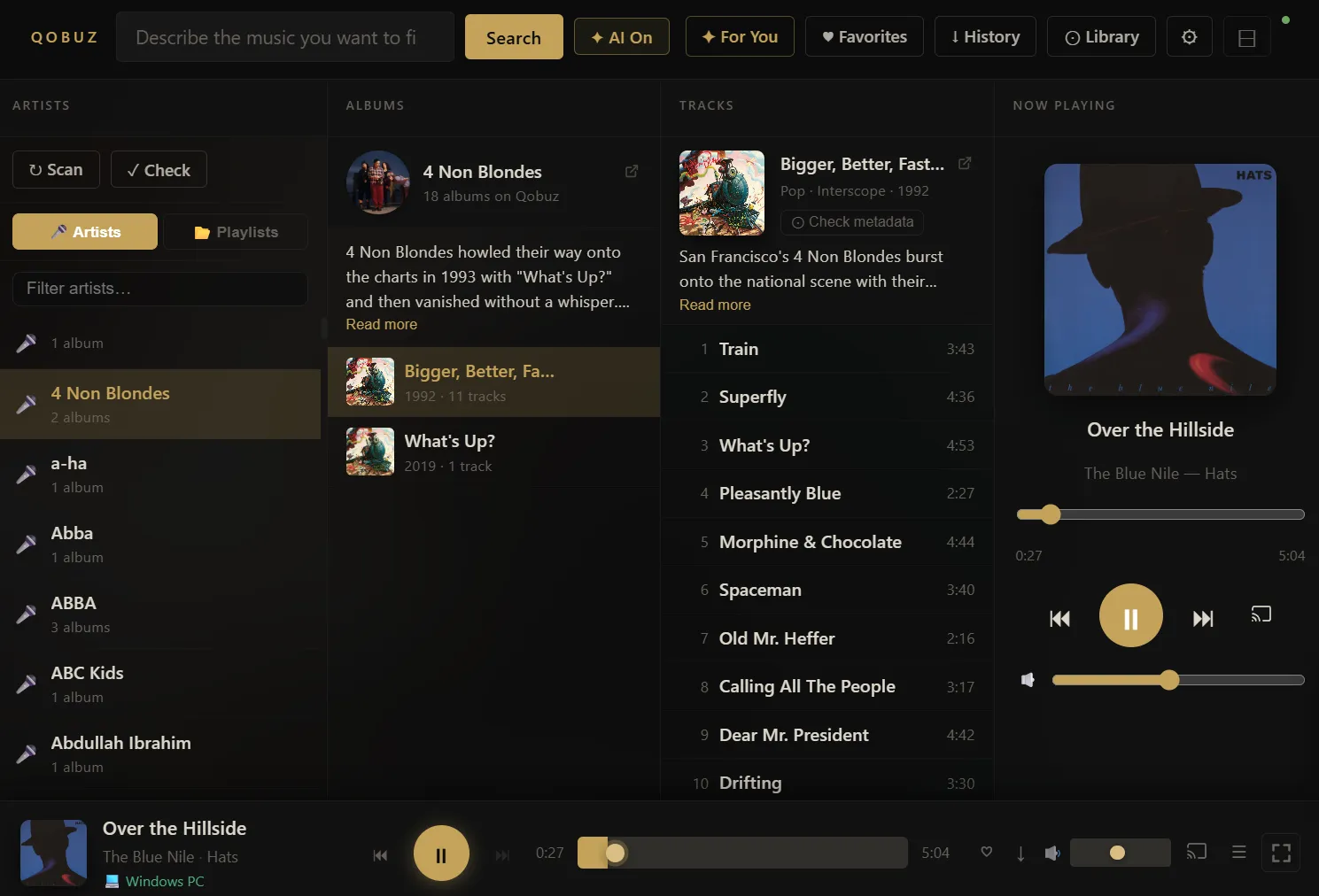
I wanted one place to manage my hi-res music — search Qobuz, pull the lossless files down, keep them tidy with real metadata and cover art, and actually play them — without handing my library to someone else’s cloud. So I built it. It runs on my own machine, streams up to 24-bit/192kHz FLAC, and looks the way I wanted it to: dark, gold-accented, everything on one screen.
Then I handed most of the typing to Claude Code, kept the scope honest, and watched how far one patient AI could take it.
What it does
The heart of it is boring in the best way: search the Qobuz catalogue, grab what I want, and file it into a local library with the right tags, art, and folders. Everything after that is fun I couldn’t talk myself out of.
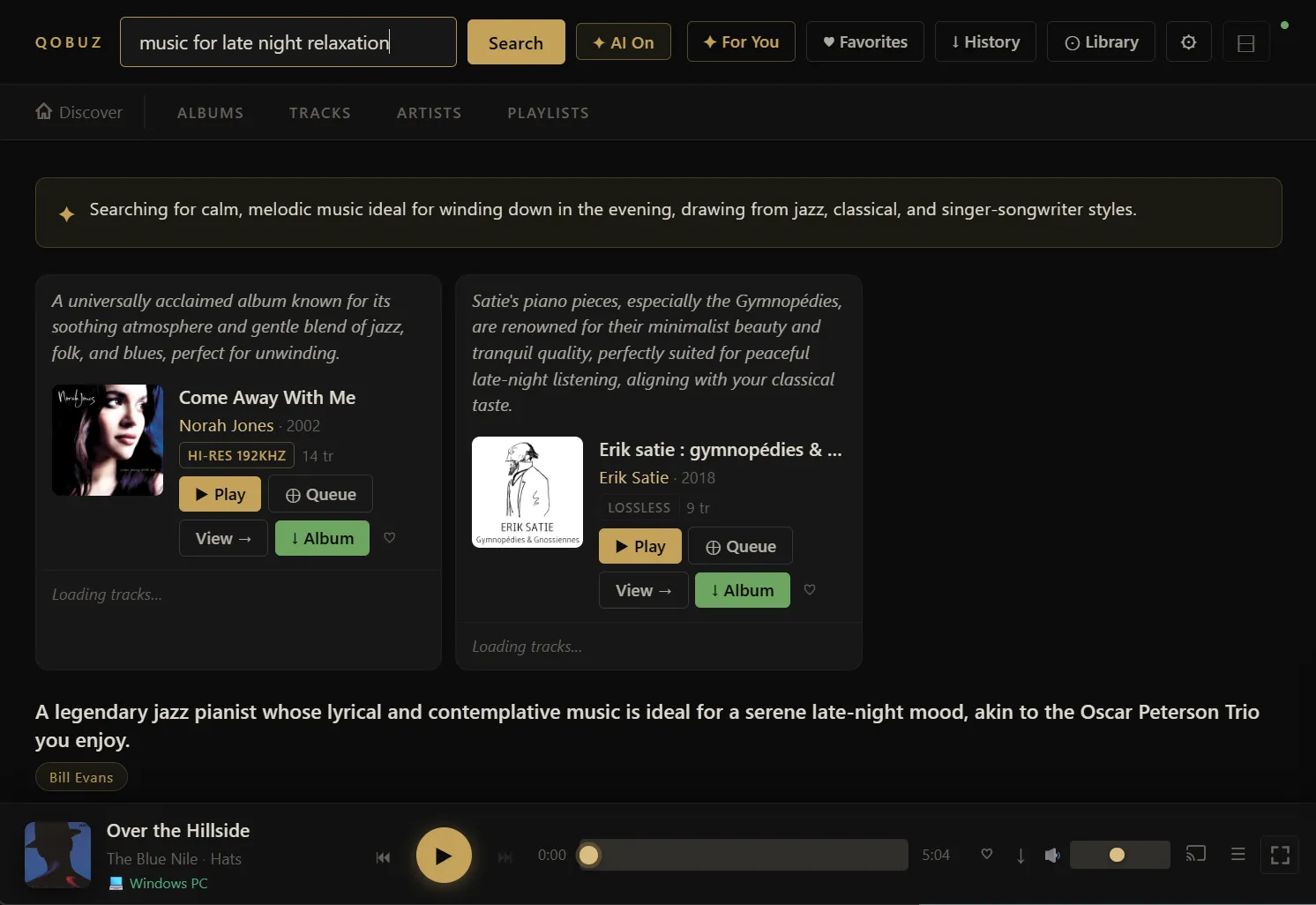
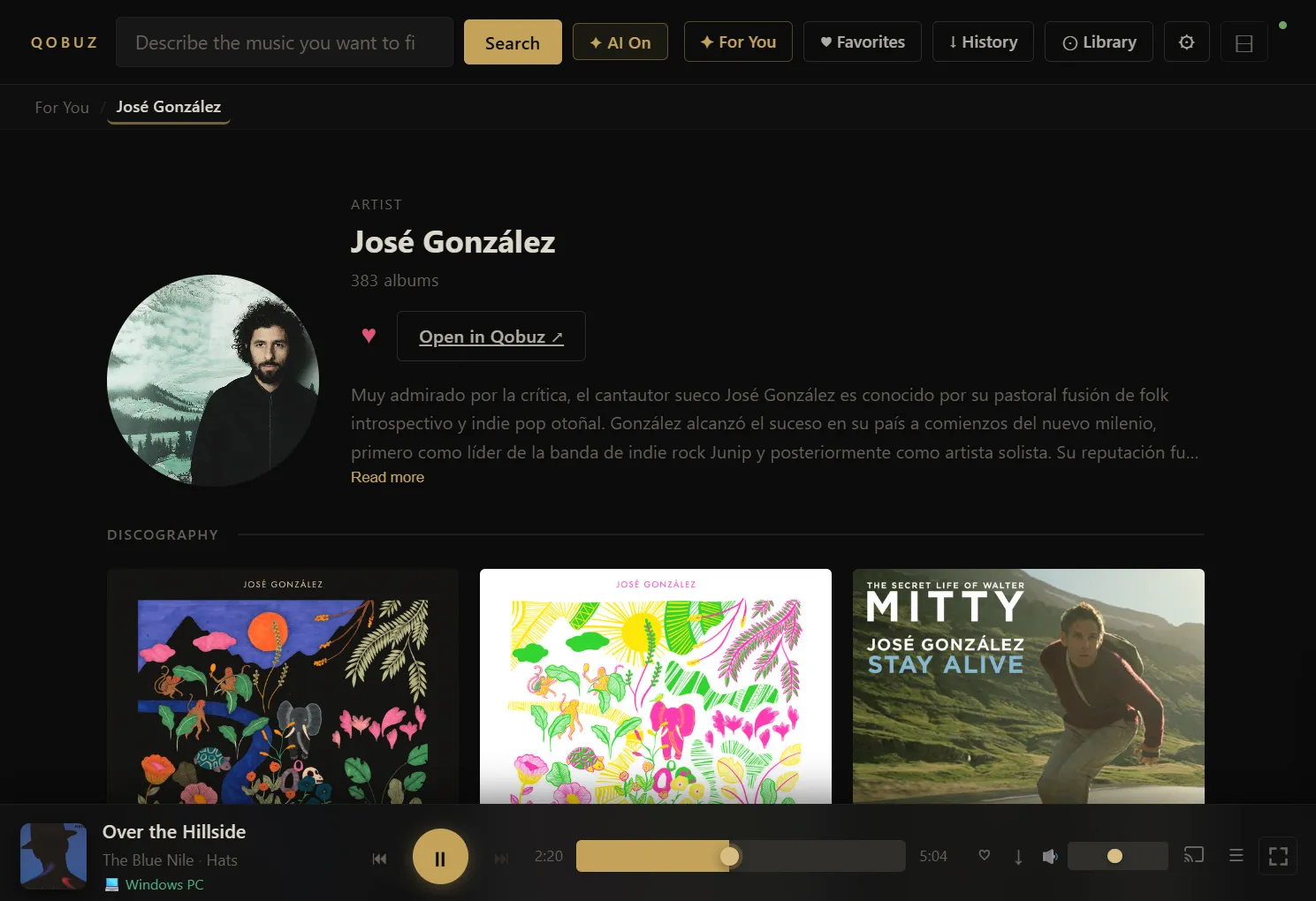
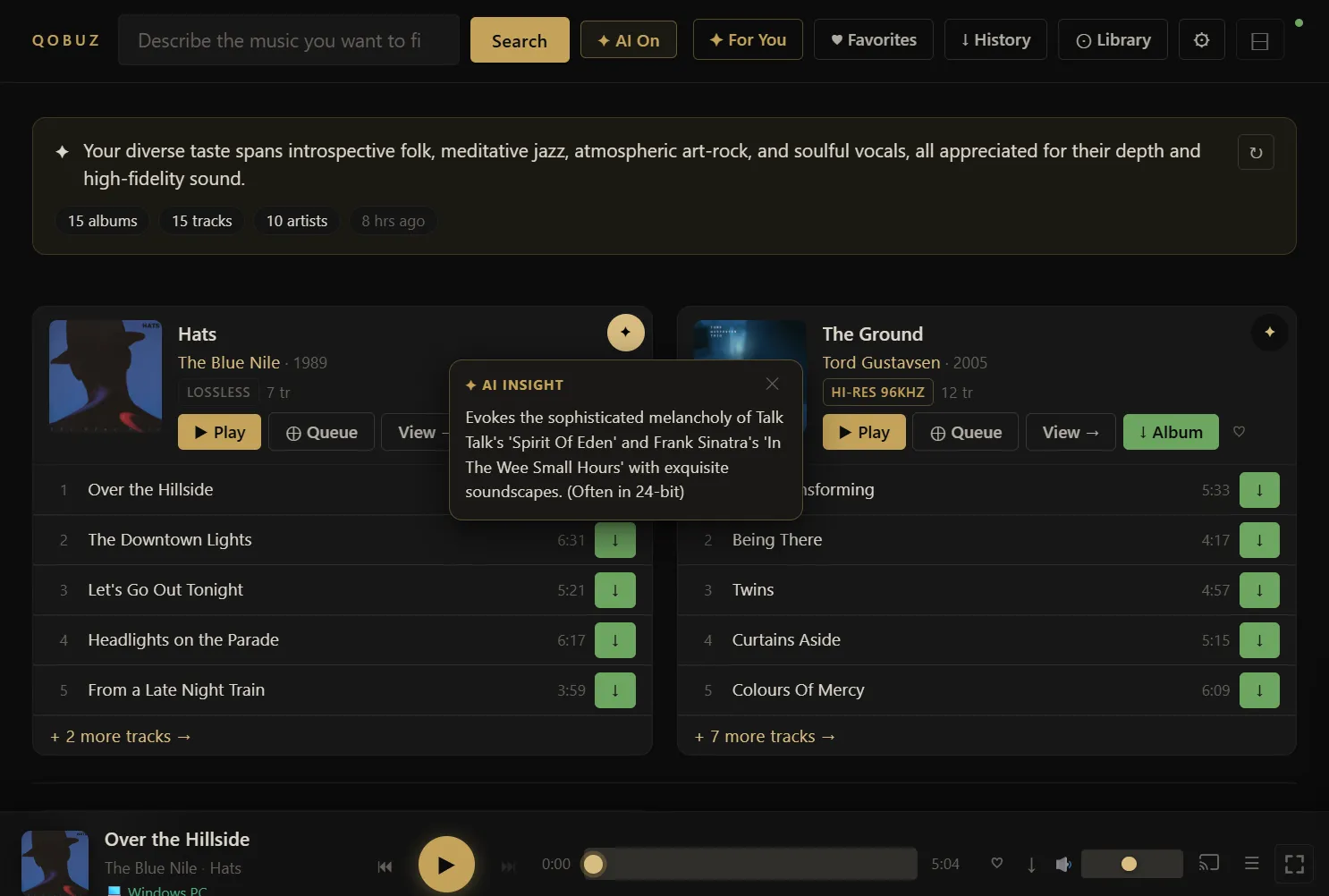
Ask for a mood, get albums. There’s an optional Gemini hook, so instead of typing an artist I can type “dreamy 80s synth-pop with female vocals” and get real suggestions drawn from what I already listen to.
Play it anywhere in the flat. AirPlay 2 speakers, Volumio boxes, or an endpoint I paired by hand — all driven from the browser tab that’s already open.
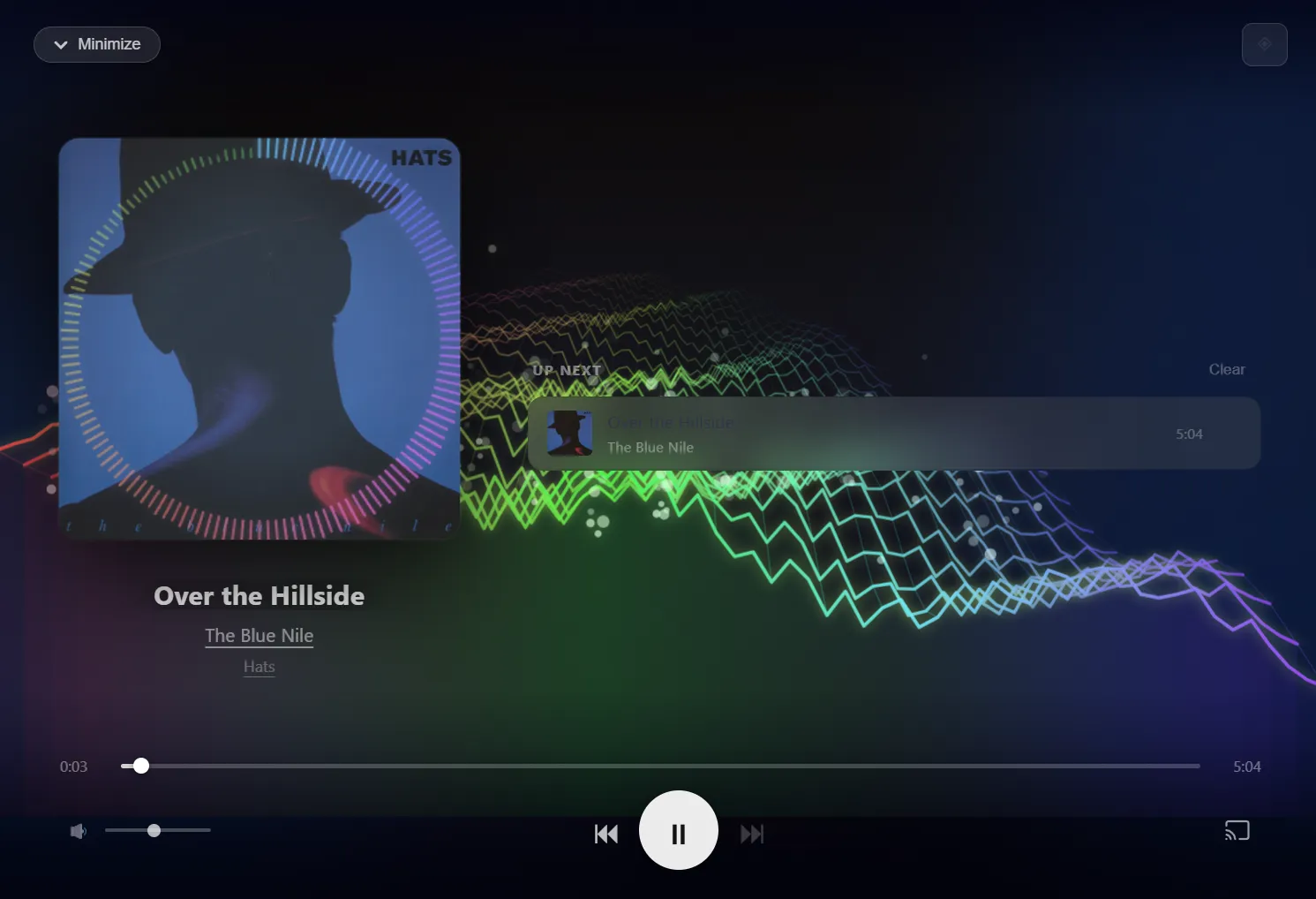
Watch the music. Two visualizers: a frequency-mapped blob, and a 3D aurora terrain that heaves with the bass. Both run on the Web Audio API. Pure indulgence, no regrets.
By the numbers
A few figures that say more about how it’s built than a paragraph could:
| Stat | Value |
|---|---|
| API endpoints | 74 |
Backend (app.py) | 6,980 lines in a single file |
Frontend (index.html) | 408 KB — the entire SPA in one file, no build step |
| External frameworks | Zero (vanilla JS + CSS, no React/Vue/Angular) |
| Database | SQLite with 2 tables |
| In-memory caches | 600+ entries across albums, artists, and AI results |
| Supported cast protocols | AirPlay 2, Volumio, manual HTTP |
How it’s built
Python 3.13 and Flask on the back, hand-written HTML/CSS/JS on the front. No bundler, no framework, no build step — you run ./run.sh and the browser opens. The whole app is two files: one Python, one HTML.
It leans on a few good libraries and nothing more: pyatv for AirPlay 2, zeroconf to find devices on the network, mutagen for audio tags, and google-genai for the AI bits.
The parts I’m quietly proud of
One file, 6,980 lines. The entire backend lives in a single Python file — no microservices, no ORM, no async framework — and it still handles background scheduling, device discovery, and playing to several rooms at once. Conventional wisdom says don’t. It’s been rock-solid.
408 KB of frontend, all by hand. No React, no Vue, nothing to compile — yet it’s a fully responsive single-page app with a mobile bottom-nav, live progress, and 3D canvas visualizers.
A circuit breaker for the AI. When Gemini throws an error, the app backs off for five minutes instead of hammering the log — the kind of small production habit that sneaks into a personal project once you’ve been bitten before.
It knows k.d. lang is k.d. lang. Case-insensitive matching quietly merges “K.D. lang” and “k.d. lang” so one artist doesn’t split into two.
Pull the plug and it still works. No CDN anything — once the page has loaded, the whole UI runs offline.